super.AI – Agentic workflows and chats to process complex documents
super.AI is an intelligent document processing platform that turns unstructured documents into structured, usable data. Powerful for engineers, and until we redesigned it, out of reach for everyone else.
Project Overview
super.AI processes documents at scale: invoices, contracts, claims, forms. It returns structured data teams can act on. The capability was never the question. The problem was who could use it: setting up a data-processing pipeline meant understanding how the machine worked, which kept the product in the hands of technical users and slowed down every new customer.
I was brought in to design a new webapp concept built around workflows: describe the outcome you want, get a working pipeline, with AI doing the heavy lifting in between. Alongside it we designed an agentic chat for the one-off document tasks a whole workflow is too much for. I ran the discovery, designed the concept, validated the MVP with users and stakeholders, and worked with engineering through to a sales-ready prototype and the shipped Flows app. I'm still on the product today, designing the next feature and implementing parts of it directly in the codebase.
The Outcome
A validated concept became a shipped product. Flows gave super.AI a workflow-first experience the sales team could demo and customers could set up themselves; Chats is bringing the same capability within reach for work that doesn't repeat. Both sit on a scalable design system and documented UX/UI, so engineering can keep building without design becoming the bottleneck.
Client
super.AI
My role
Freelance Product Designer: product discovery, concept design, MVP validation, agentic UX patterns, design system, front-end implementation
Tools
Figma, Claude Code, Notion, Linear
Platform
Web App
Timeline
2025 - Present
People shouldn't have to understand the machine to get the outcome they came for.
At a glance
Shipped the Flows app. From discovery to a released product
Workflows without pipeline expertise. Describe the outcome, the app builds it
An agentic chat for one-off work. A sentence instead of a setup
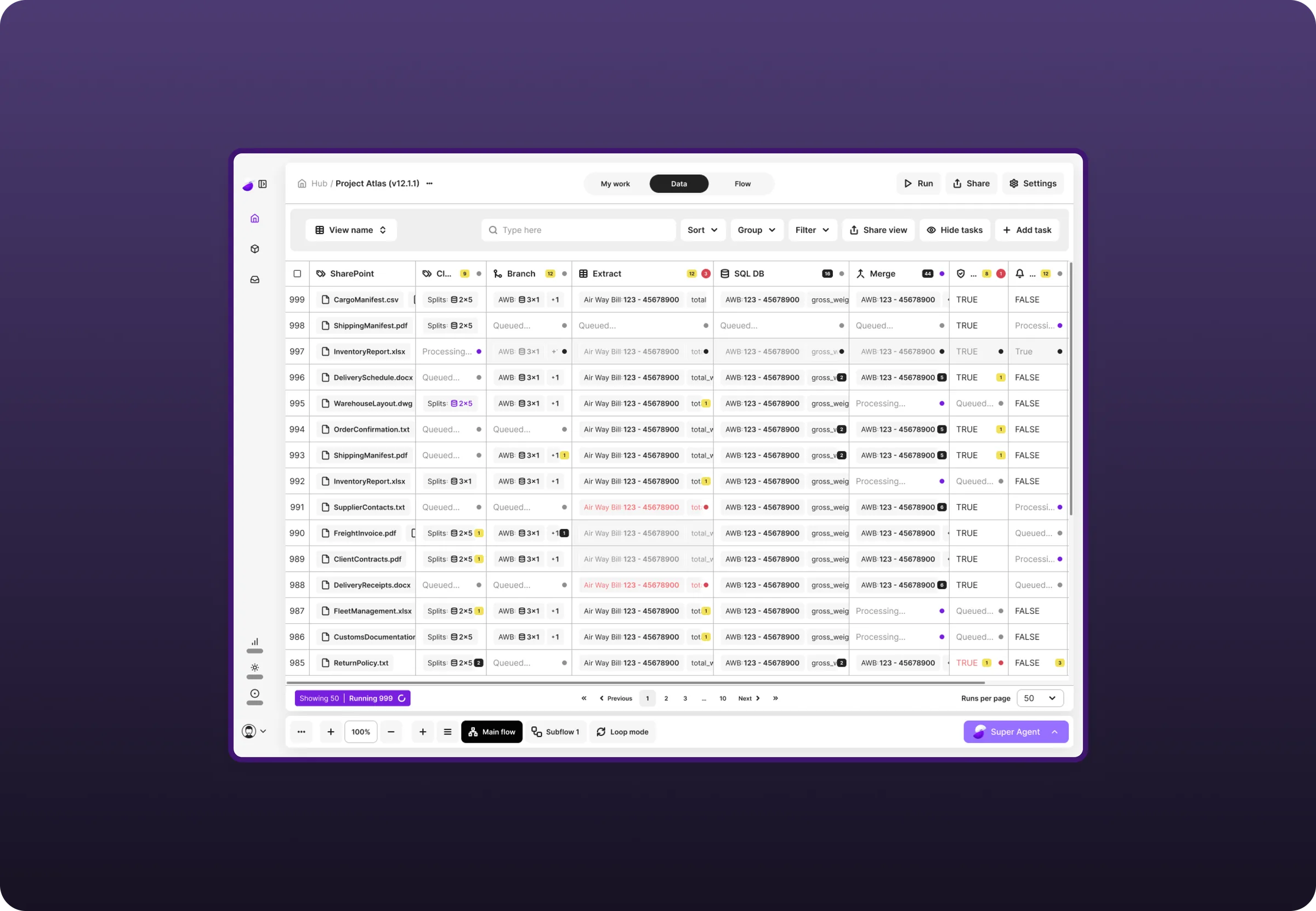
Extraction quality made visible. A table users can check and act on
A reusable foundation. Agentic UX patterns and a design system built to last
Design that ships. Features implemented directly in the codebase
The problem
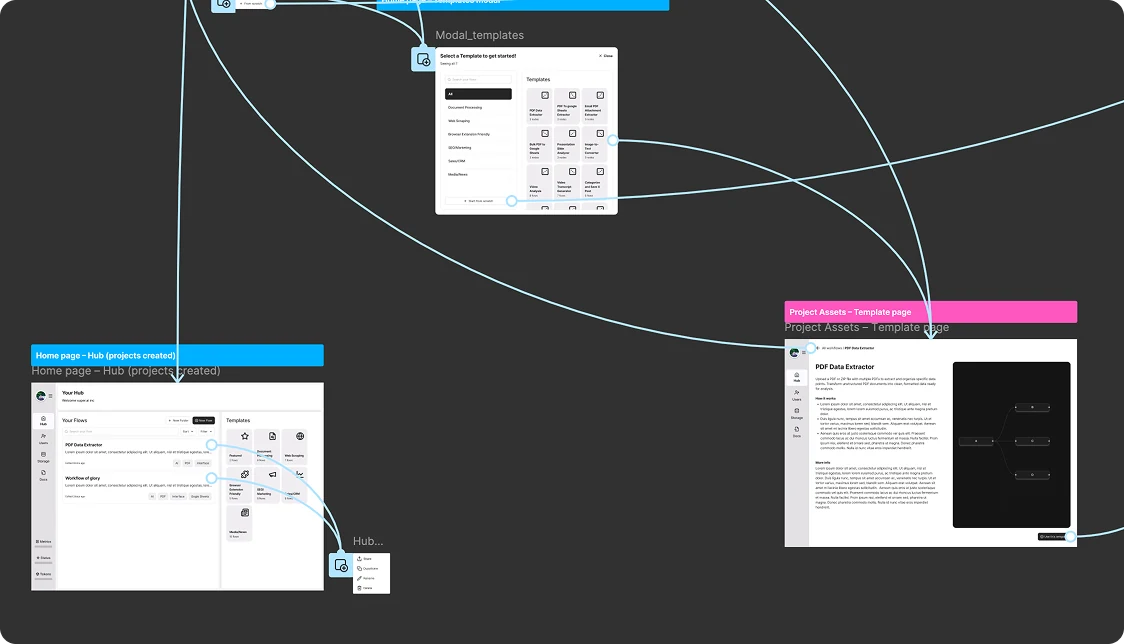
Document processing is a pipeline problem: split the file, classify it, extract the fields, route the exceptions, check the quality. super.AI could do all of it. But the app was organised around the building blocks, not around the job, so users had to know which blocks they needed, and in what order, before they could get anything out.
That left us with three problems worth solving:
Adapting the app's UX
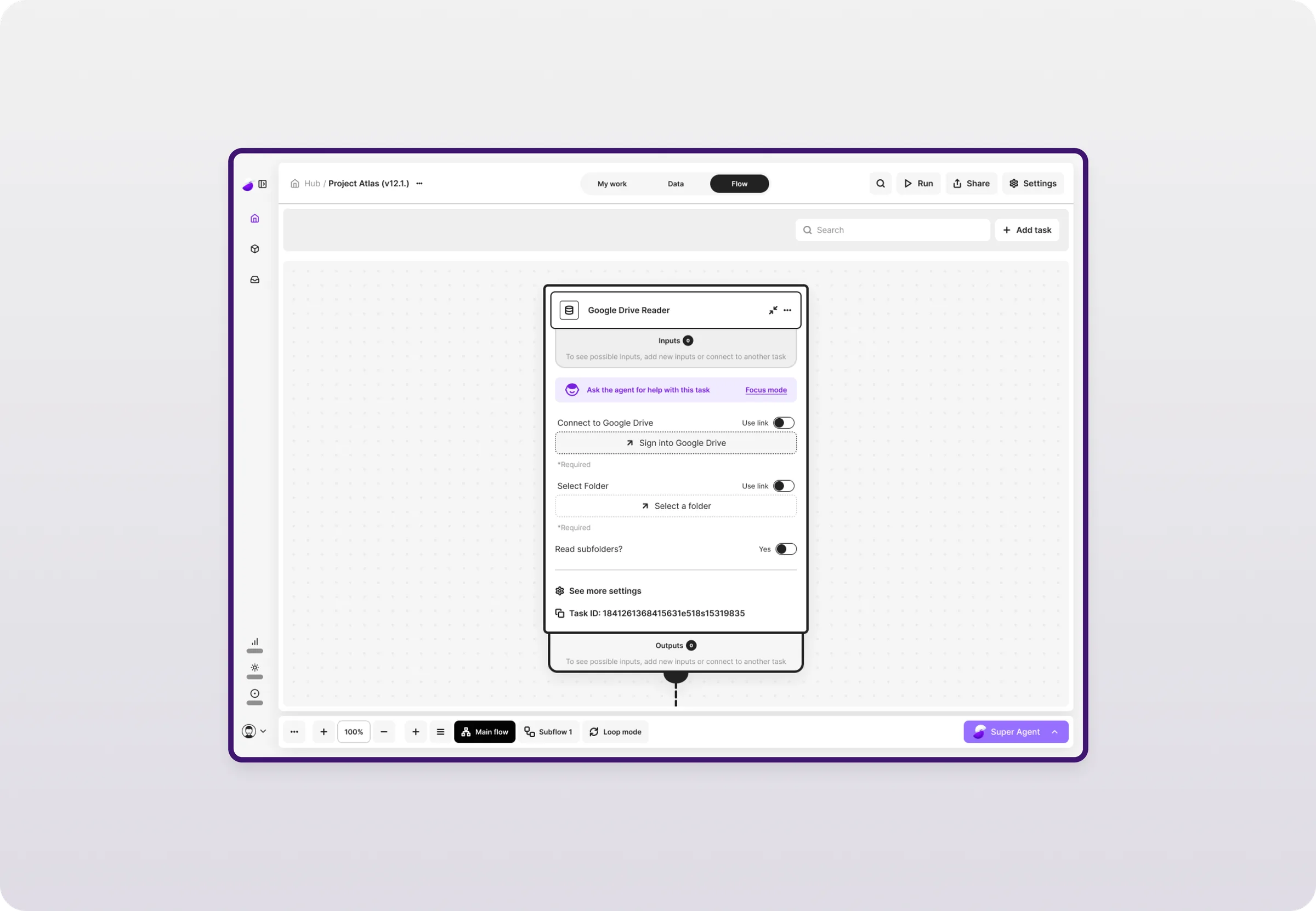
The interface had to move from configuring isolated components to building and running end-to-end workflows, and for smaller jobs, to a chat that skips the setup entirely.
Enabling users to design their own workflows
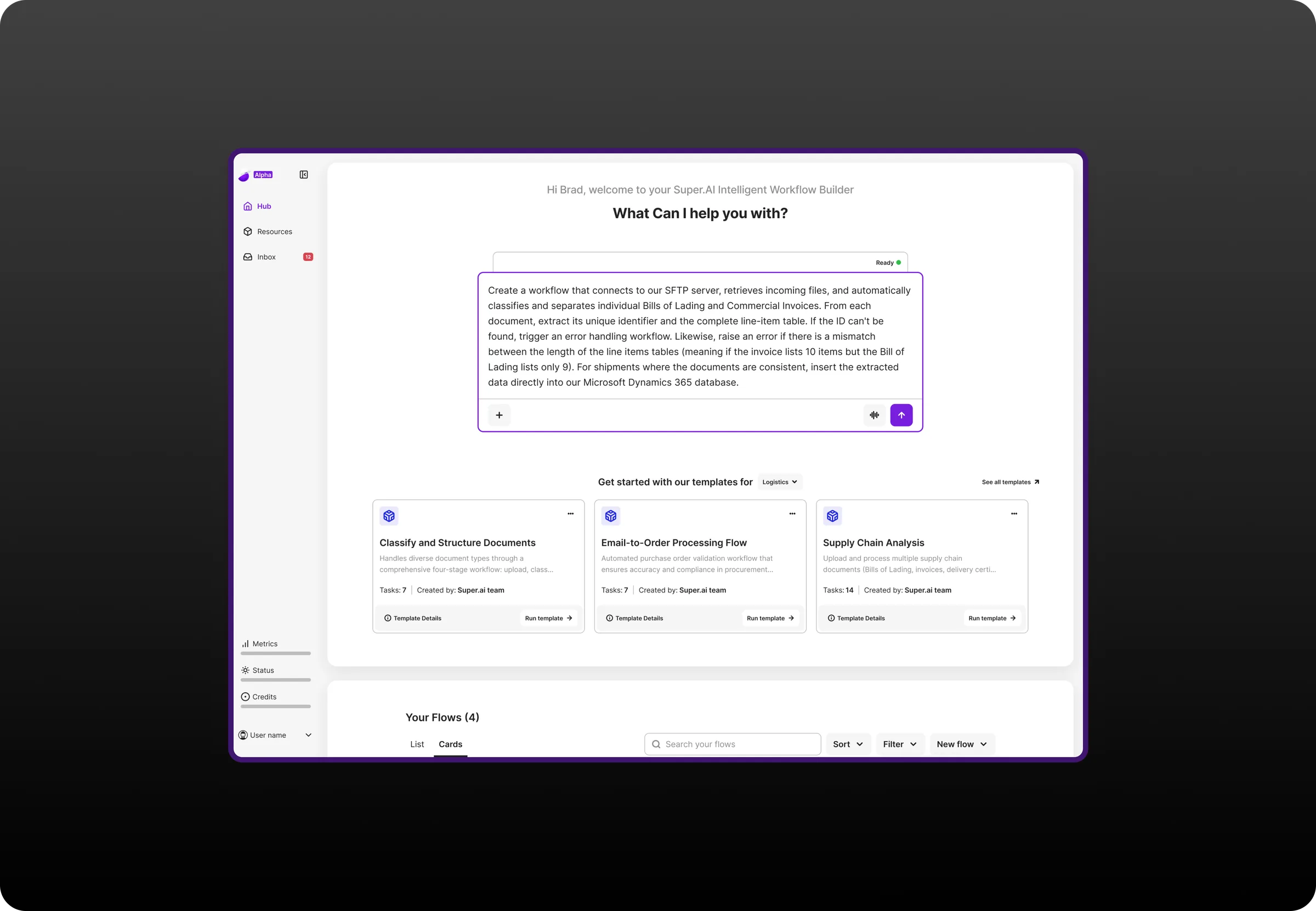
Describing a process in plain language had to be enough to get a real, working pipeline. No pipeline expertise required.
Managing complexity without hiding it
These setups are genuinely complex, and the output has real business consequences. Simplifying the surface couldn't mean taking away clarity or control over what the system was doing.
Project scope
01
Aligned on the problem before designing the solution
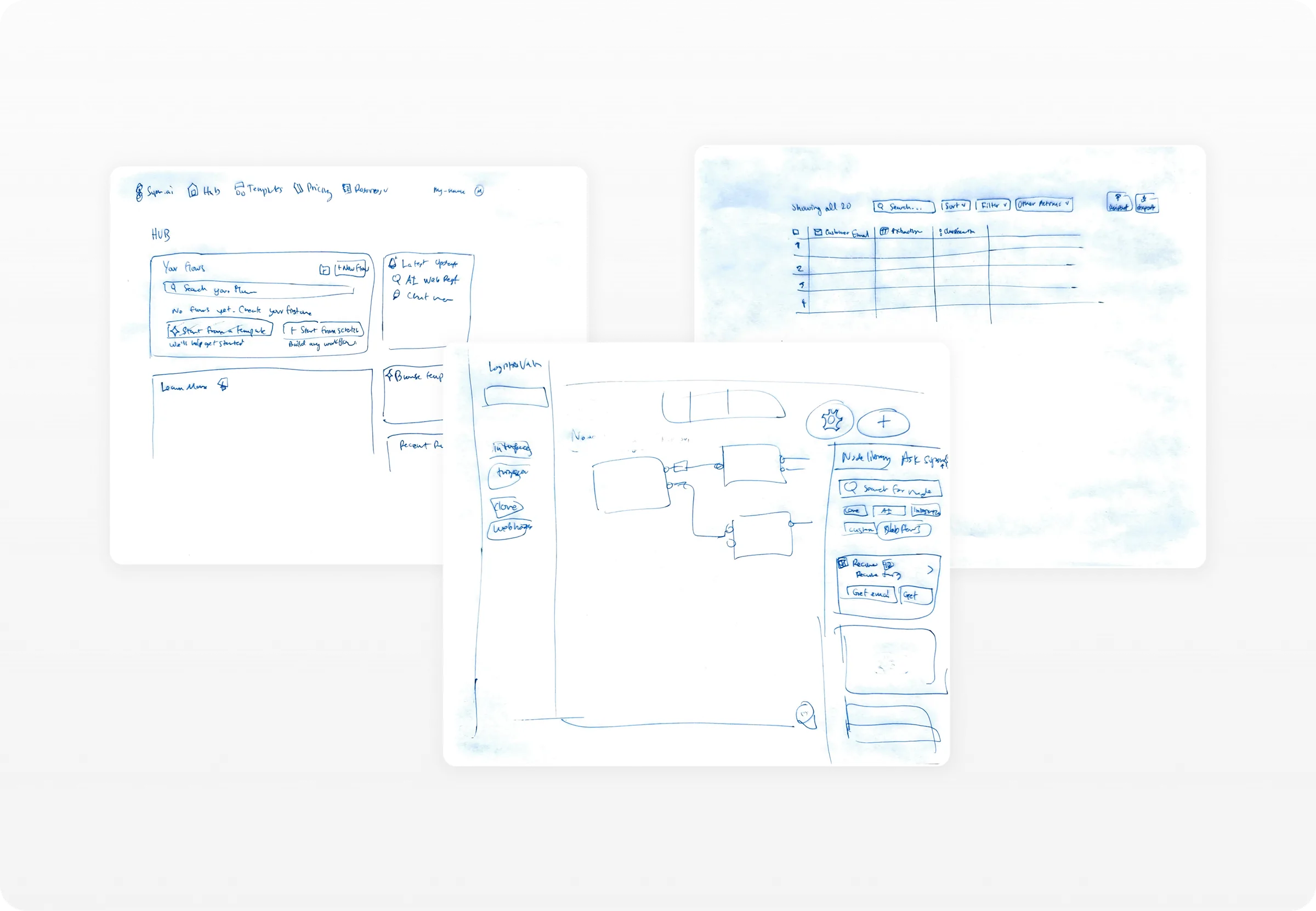
I worked directly with the CEO and the Principal Engineer to turn a broad ambition ("an AI workflow app") into product requirements we all agreed on. That meant separating what the platform could technically do from what customers actually needed on day one, and being explicit about which constraints were real. Getting that alignment early is what made the rest of the work fast.
02
Validated the MVP, then reworked it around what came back
I built prototypes and tested the concept with users and internal stakeholders. Testing changed how much guidance the AI gives up front and how the app communicates what it's doing. That is the kind of thing you only learn by watching someone use it.
03
Designed an AI-guided flow to get people started
Instead of asking users to assemble a pipeline, the app asks what they're trying to achieve and builds it with them, step by step. The AI proposes the structure and explains each decision in the user's own terms; the user stays in control and can adjust anything. This is where most of the design effort went: deciding how much the system should do on its own, when it should ask, and how it should show its reasoning so people trust the result.
04
Introduced agentic UX patterns to the product
The product had no shared language for AI-driven interactions, so I established one: how the system suggests, how it asks for confirmation, how it explains what it did, how it recovers when it gets something wrong, and where the user can always take over. These became reusable patterns rather than one-off decisions per screen.
05
Made extraction results reviewable at a glance
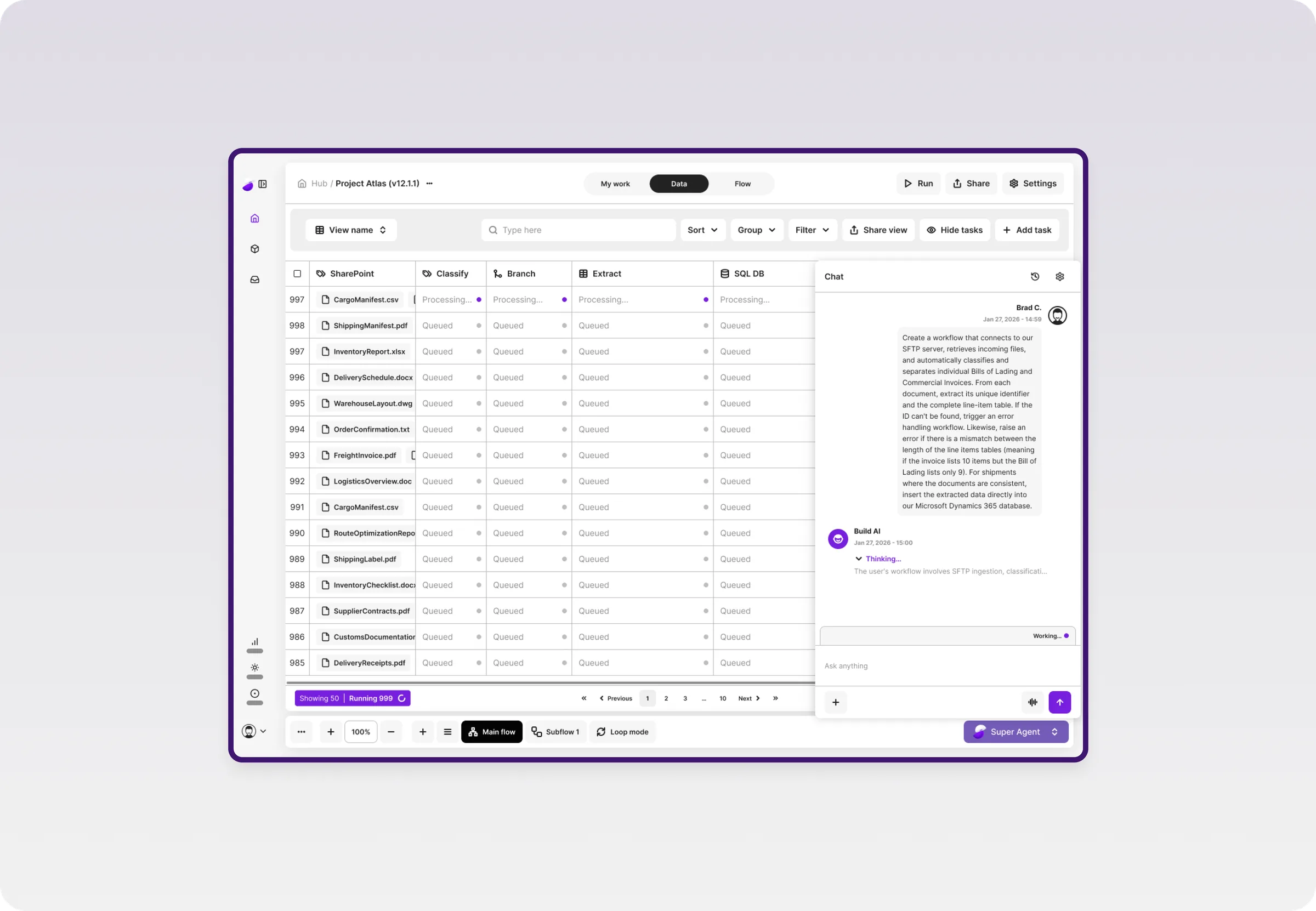
Extracted data is only useful if someone can judge whether it's right. I designed a clean tabular view of extraction output so users can scan results, spot weak fields, and improve the setup, turning output quality from a black box into something they can inspect and act on.
06
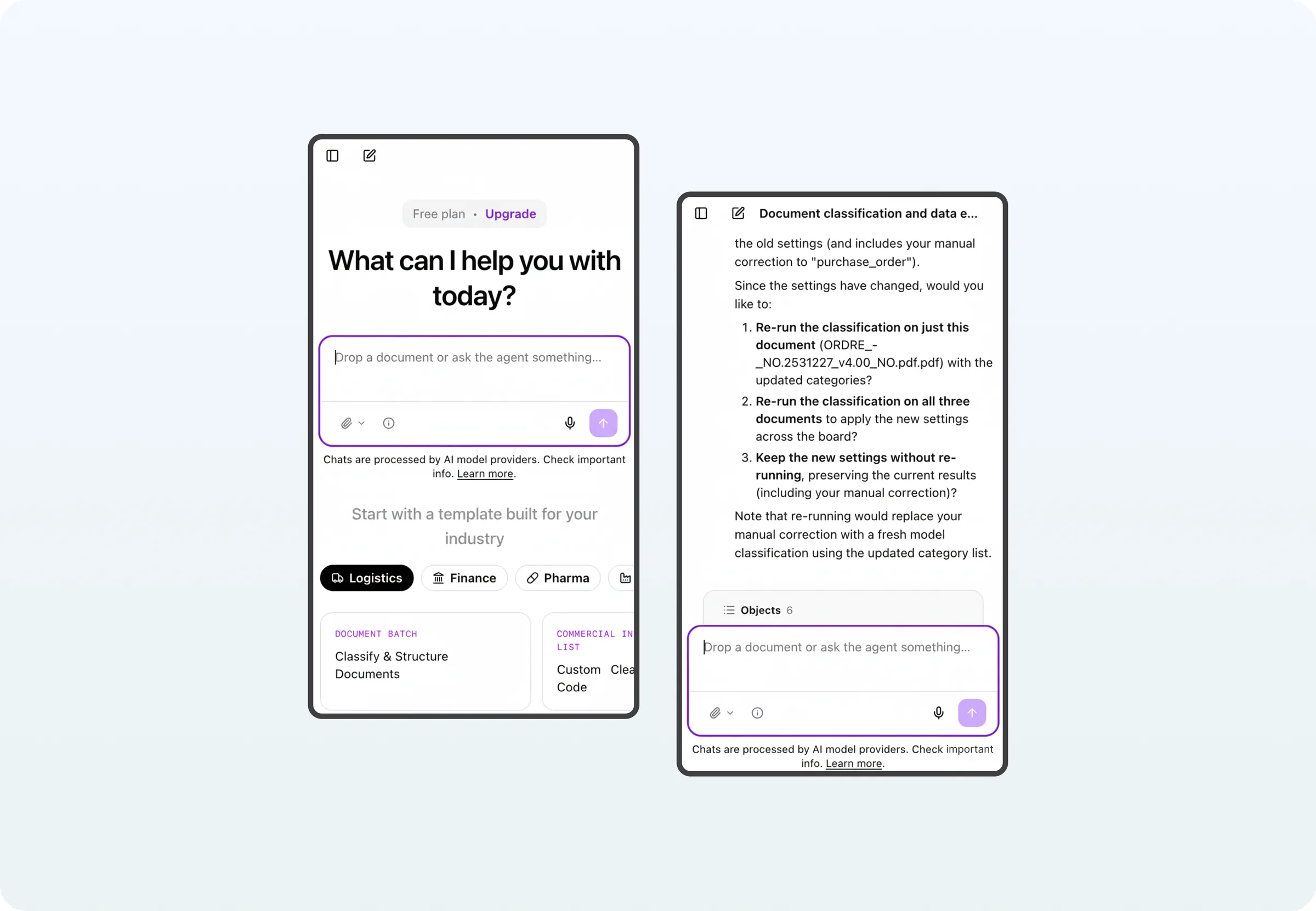
The second half of the concept: agentic chat
Flows is the right tool for a pipeline you'll run a thousand times. But a lot of real work isn't repeatable. Someone has a stack of documents and a question about them, and they need an answer today, not a workflow.
Chats lets people upload documents and ask for what they need in plain language: extract these fields, compare these contracts, pull the numbers out of this batch, without configuring anything first. It puts document extraction and other IDP tasks within reach of exactly the non-technical users the platform was hardest on, and gives super.AI a low-commitment entry point that can graduate into a full flow once a task turns out to be worth automating.
07
Partnered with engineering to ship it
I worked with engineering to get from concept to a sales-ready prototype and then to the released Flows app. I documented the UX and UI for implementation and built a design system scalable enough to carry the next features, so the team could keep moving without re-litigating the basics.
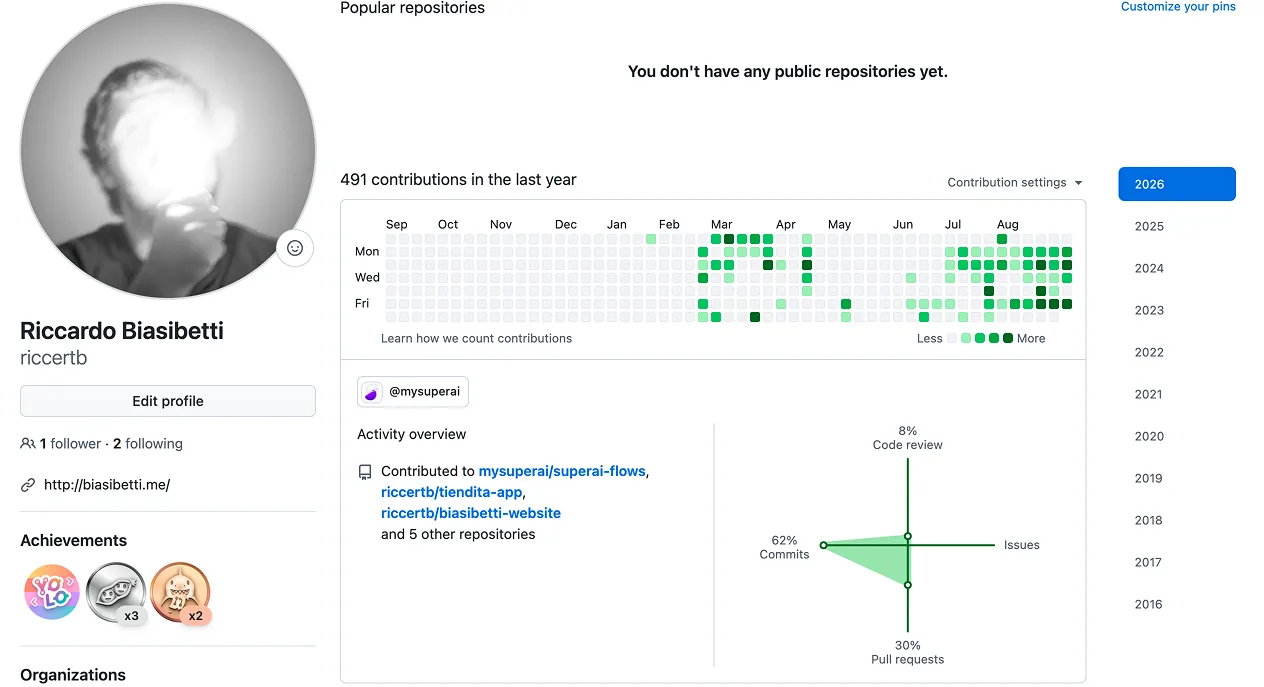
Alongside the design work, I contribute directly to the product's front end, implementing new features and UI changes in the codebase using Claude Code, and shipping them through the team's normal review process with the front-end engineers.
It's practical rather than heroic: UI refinements that would otherwise sit in a backlog get done, engineers keep their focus on the harder problems, and the gap between the design and what ships closes because I'm the one closing it. Working in the code also makes me a better design partner. I understand what a "small" change actually costs, and my handovers reflect that.
Reflection
The hard part of this project wasn't making an AI product look good. It was deciding how much the system should do on the user's behalf, and making those decisions legible, so people could trust a pipeline they didn't build themselves.
Let's talk
Let's collaborate.